Delete Account — Superstar Soccer
How to Permanently Delete Your Account (5 steps)
If you still need support with your game, please email us at superstarsoccer@bigidea.games
1
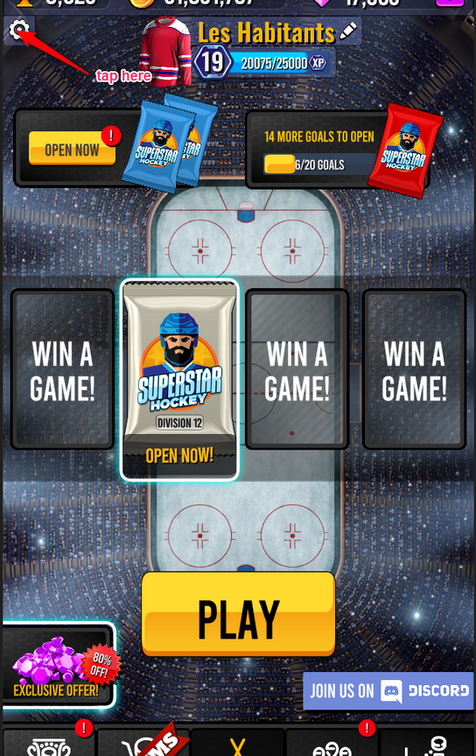
Start up the App and load to the Main Screen. Tap the "Settings" button in the Top Left corner.
2
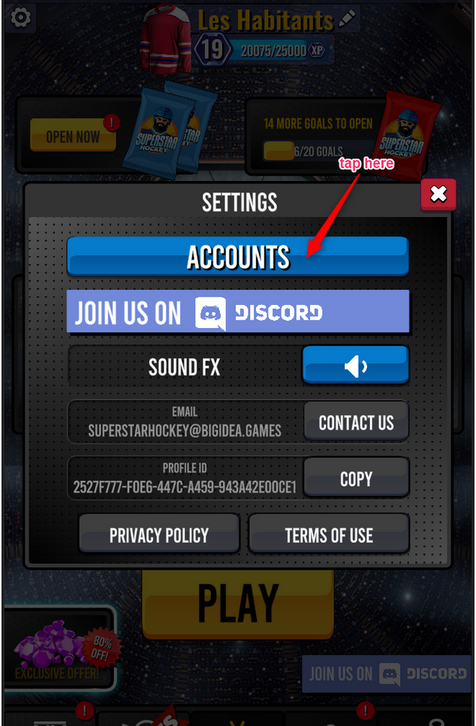
Tap the "Accounts" button.
3
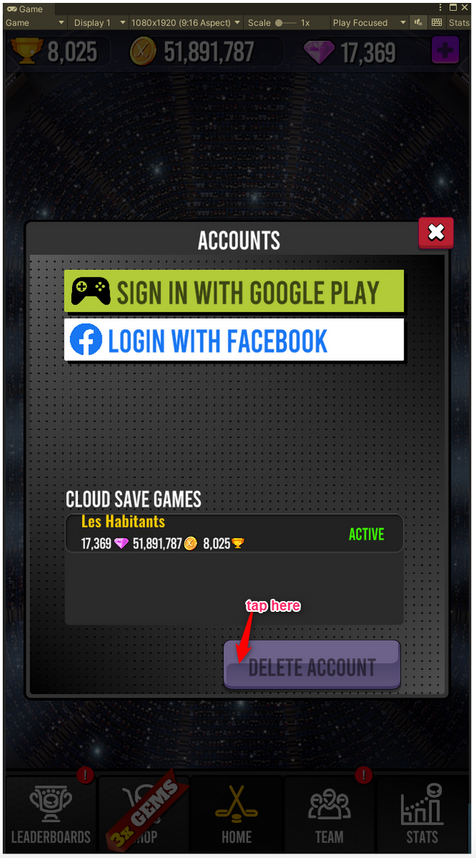
Tap the "Delete Account" button.
4
Tap the "Delete Account" button.
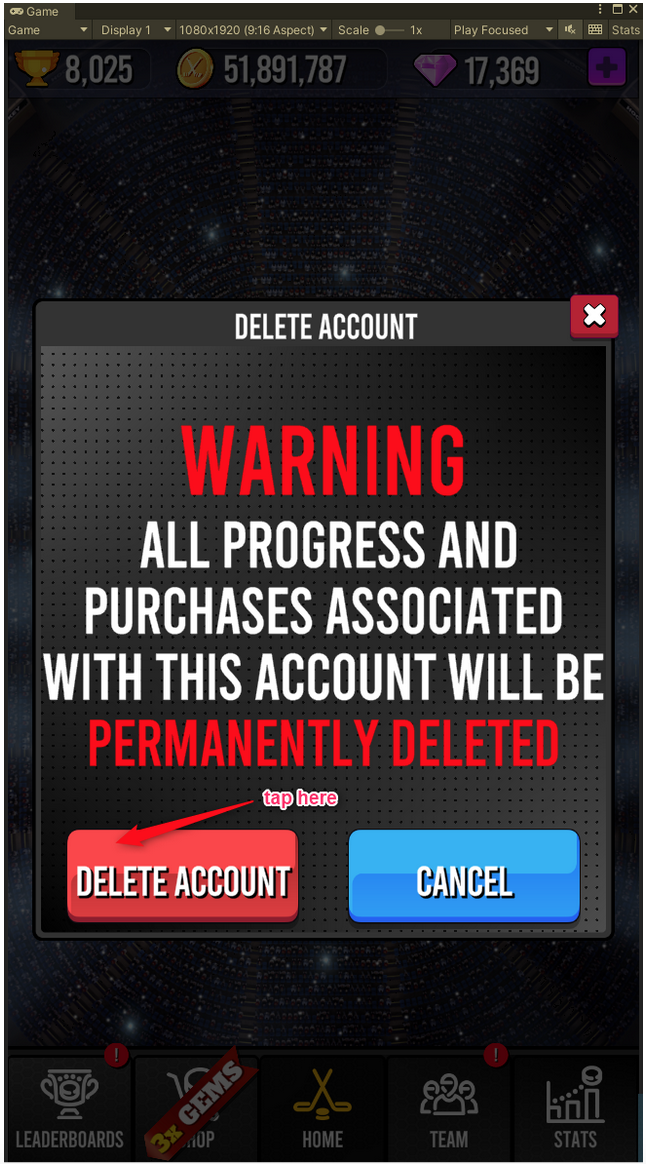
5
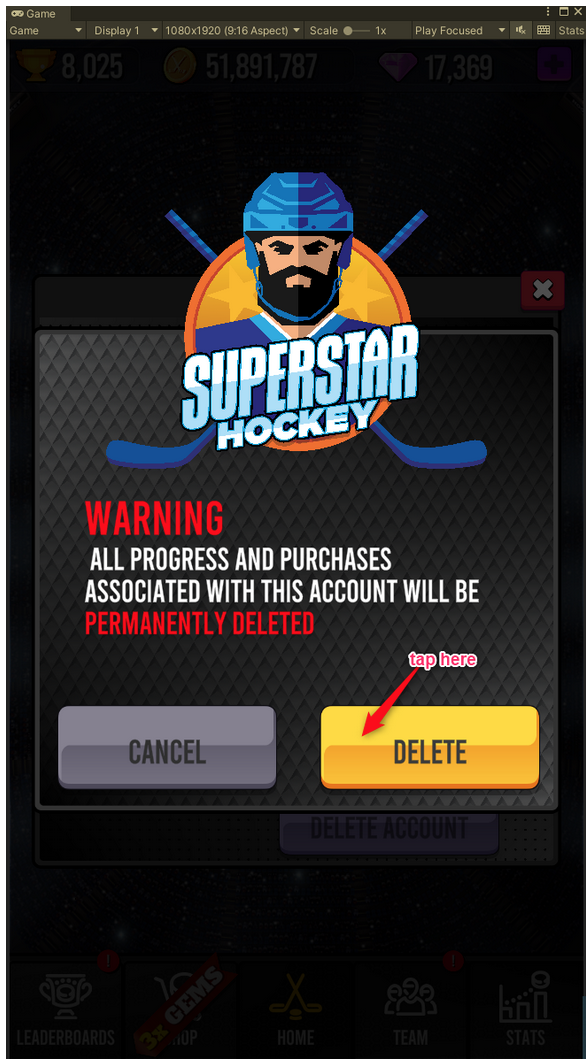
Tap the "Delete" button to confirm the permanent deletion of your data.